
Roof design.See the finish in context.
Compare roof colors and material appearances with your walls, brick and trim. Keep the roofline that makes your house yours.
Familiar character, thoughtfully refreshed.
Optional. Add colors, materials or details to keep. Up to 1,000 characters. Leave blank to use your selected style.
Checking your sign-in status.
Your photo stays private.
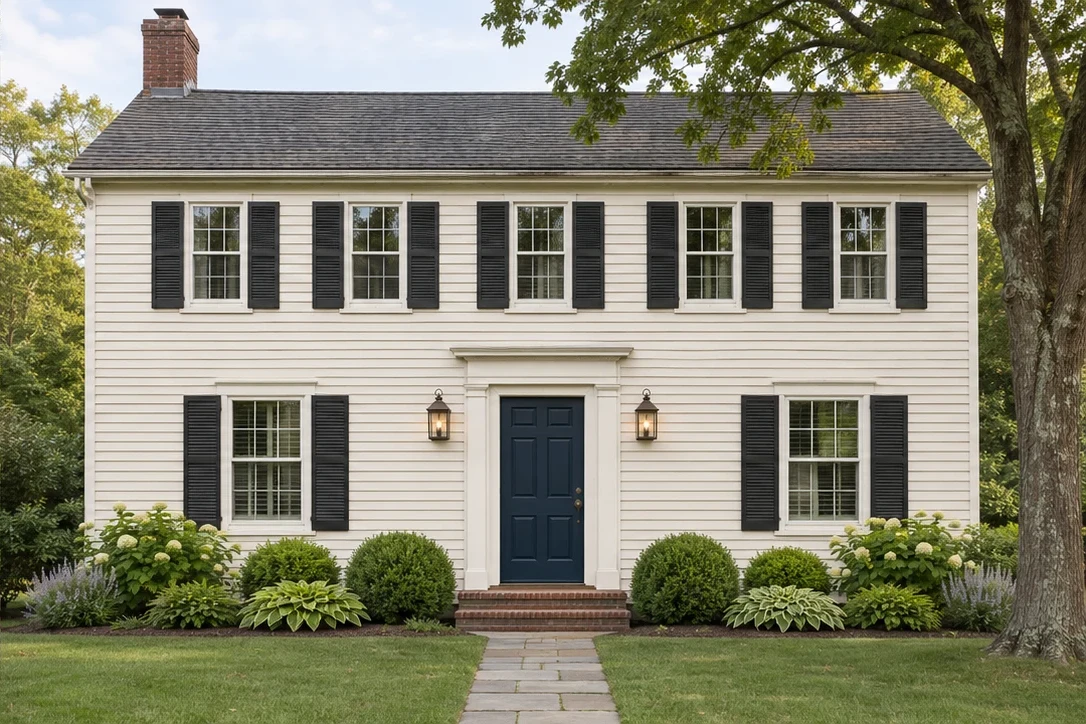
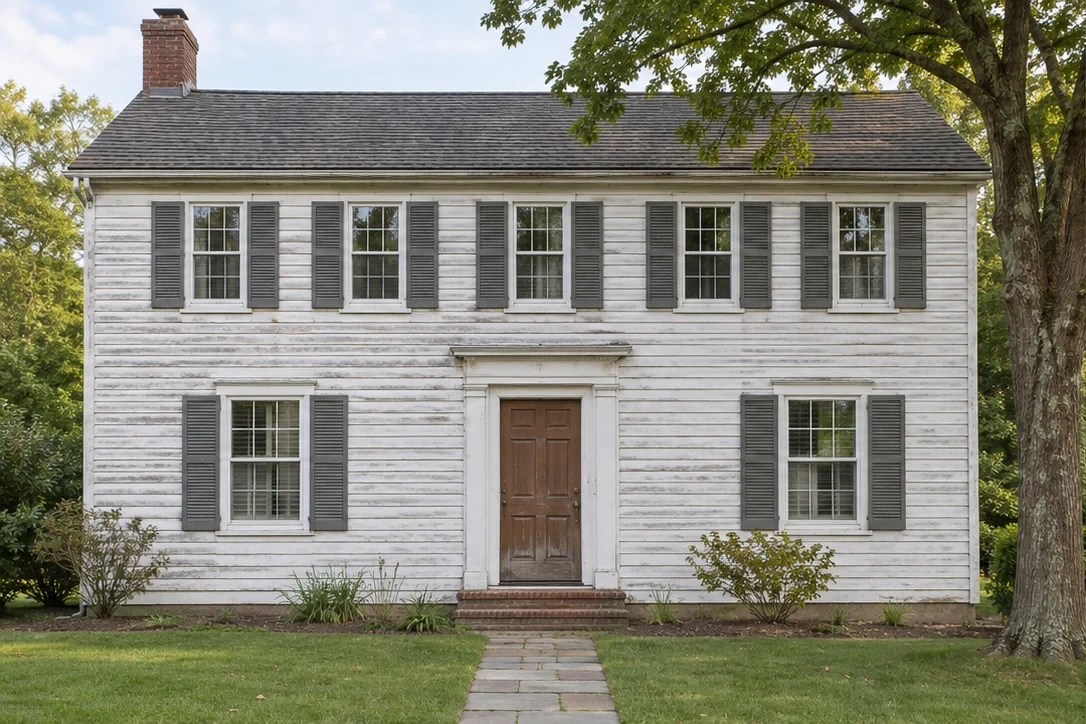
A roof design preview explores appearance, not engineering.
Roof design includes both a structural form and a visible finish. This tool explores the second: how a shingle color or material appearance works with the rest of your house exterior. The existing roof shape stays in the instructions. A generated image cannot check drainage, material weight, structural capacity, fire performance or a permitted roof conversion.
These are visual concepts for planning, not construction plans, product matches or quotations.
Details worth comparing.
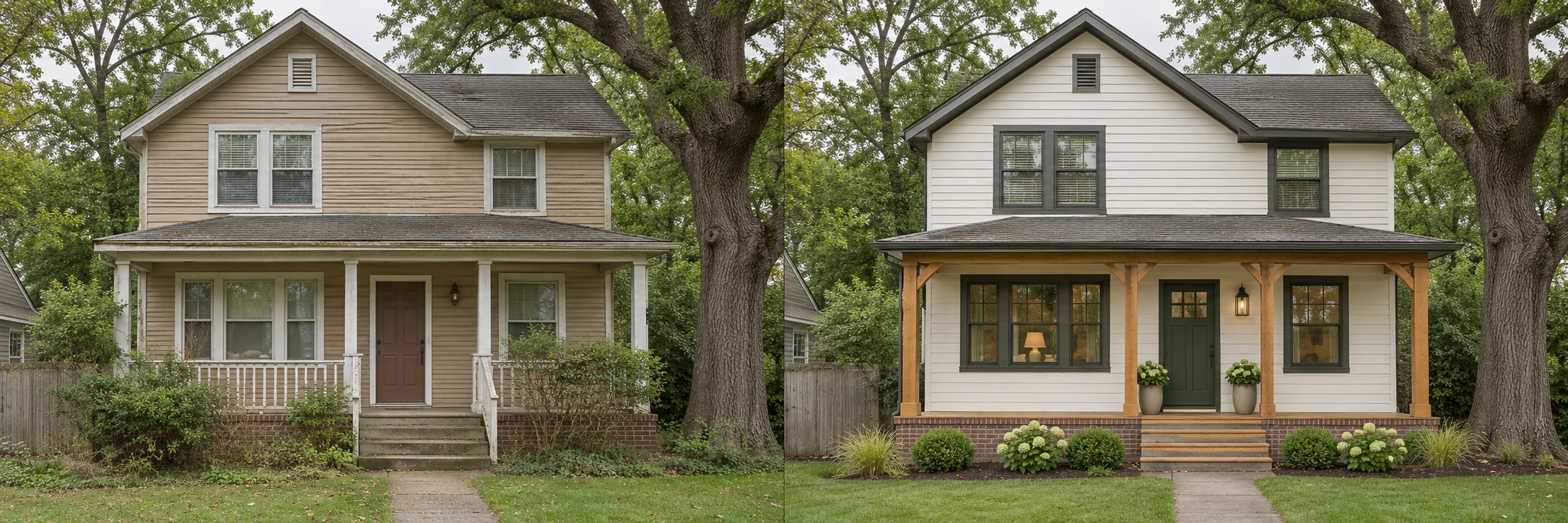
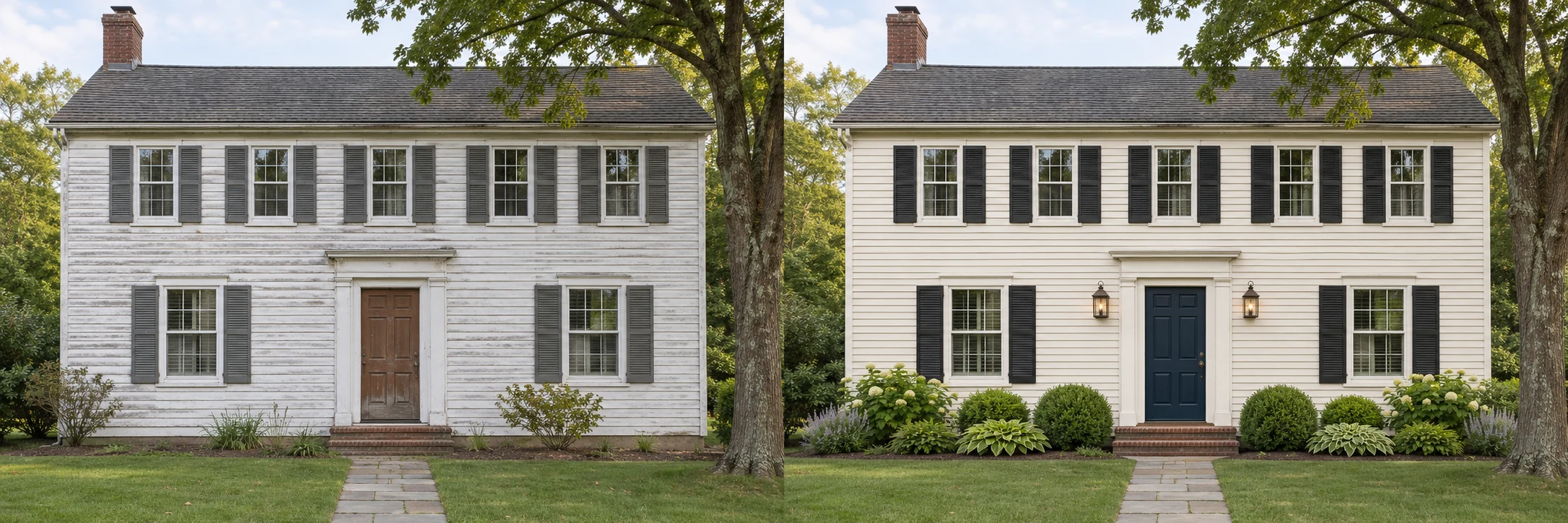
Original whole-house concept studies, selected to help you consider this finish in context. These are illustrations, not completed customer renovations.
Familiar, with a fresh feel
The existing roof shape anchors the updated trim and entrance.
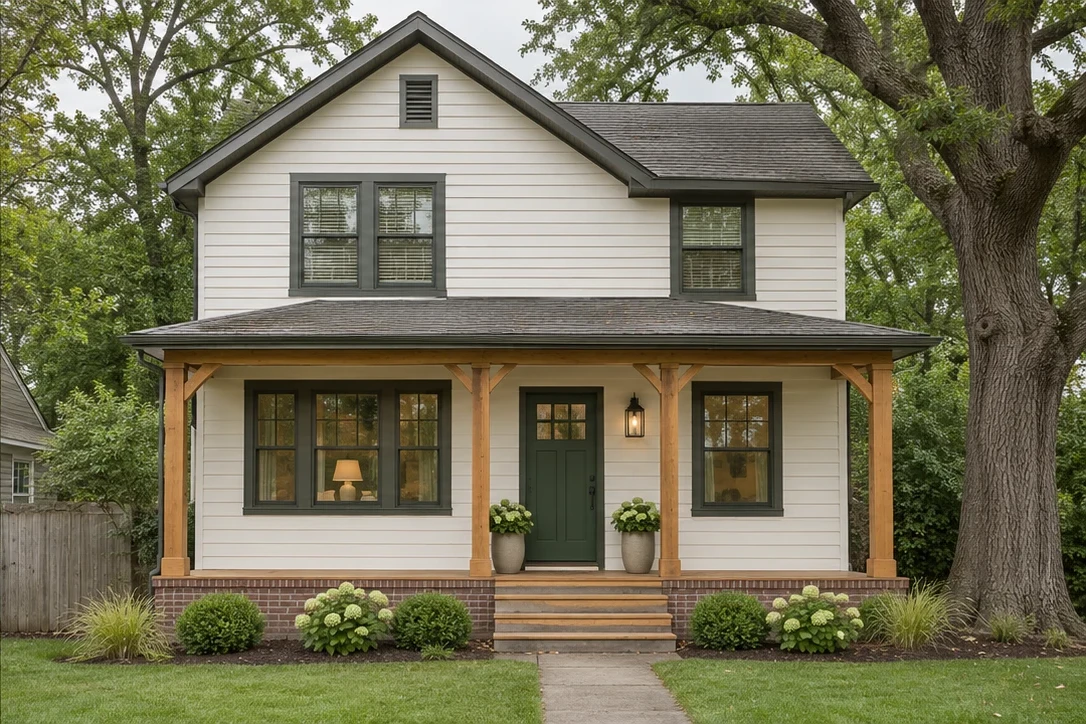
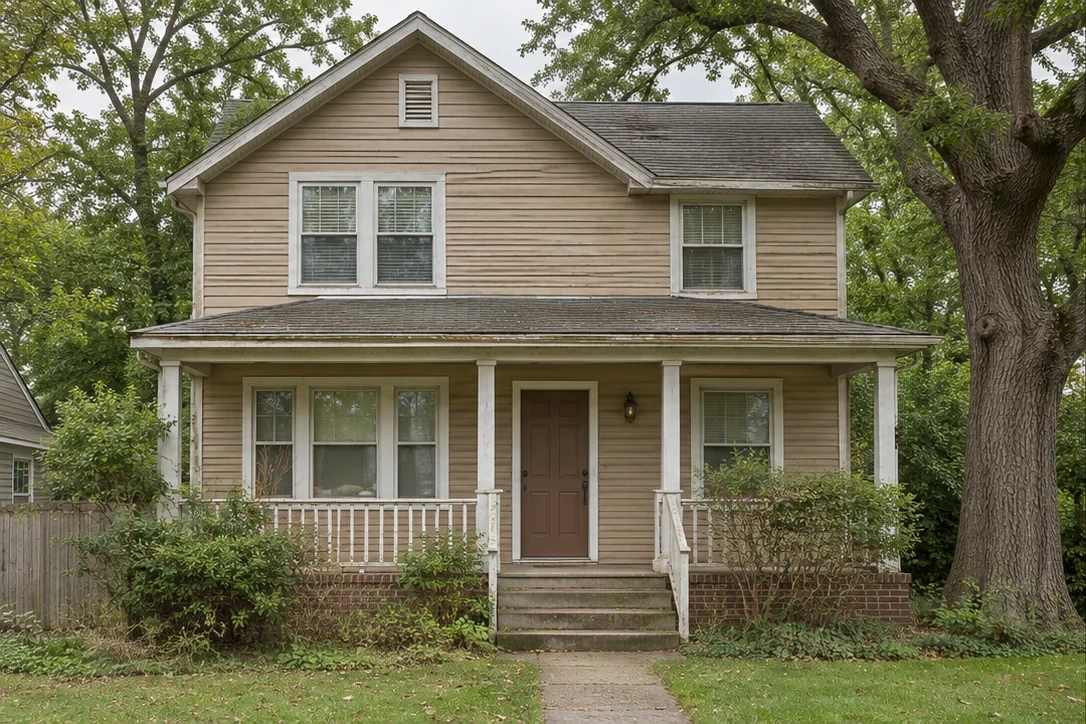
A warmer welcome
A dark roof balances the lighter siding and wood porch.
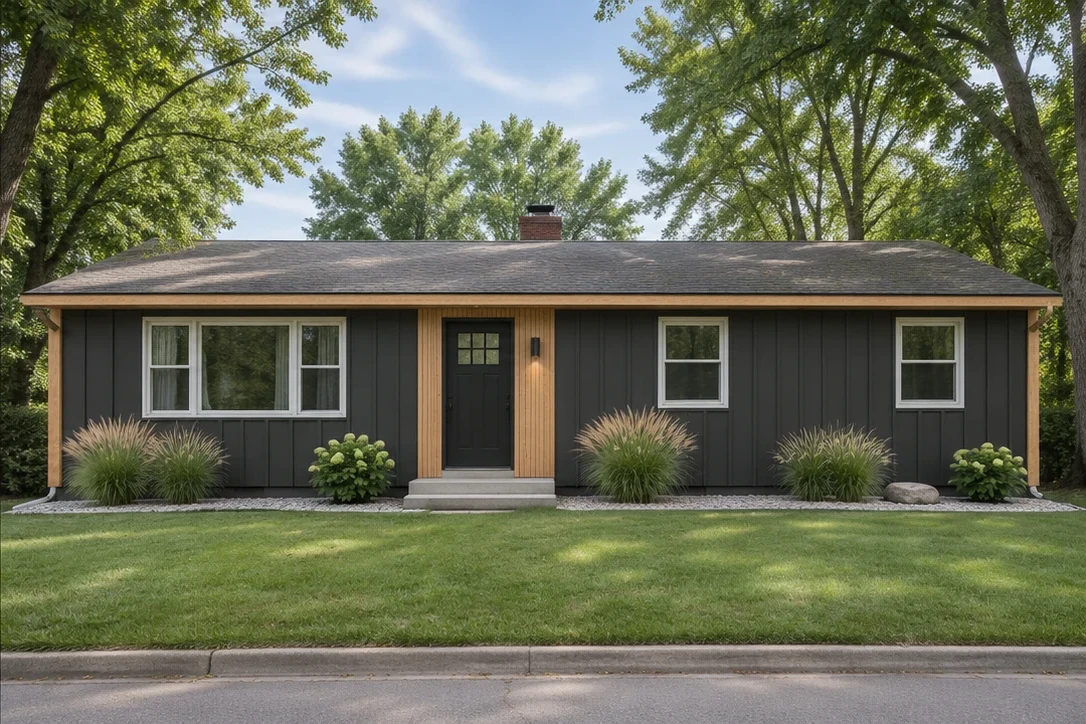
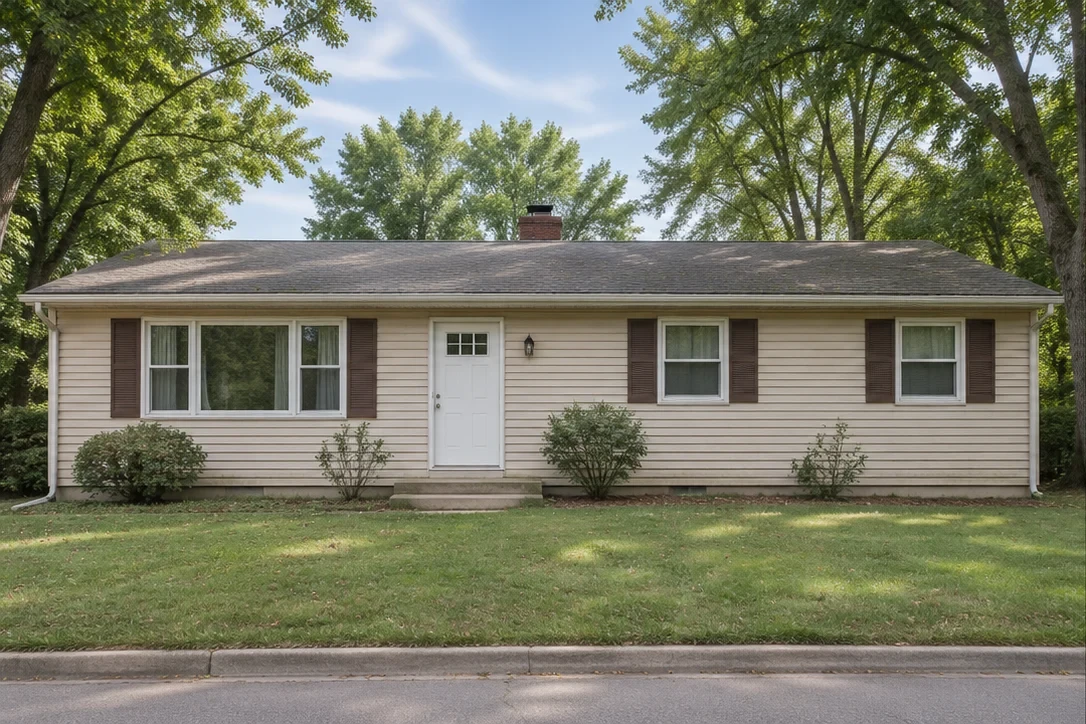
A clean new chapter
A long, low roof is an important fixed feature in a ranch palette.
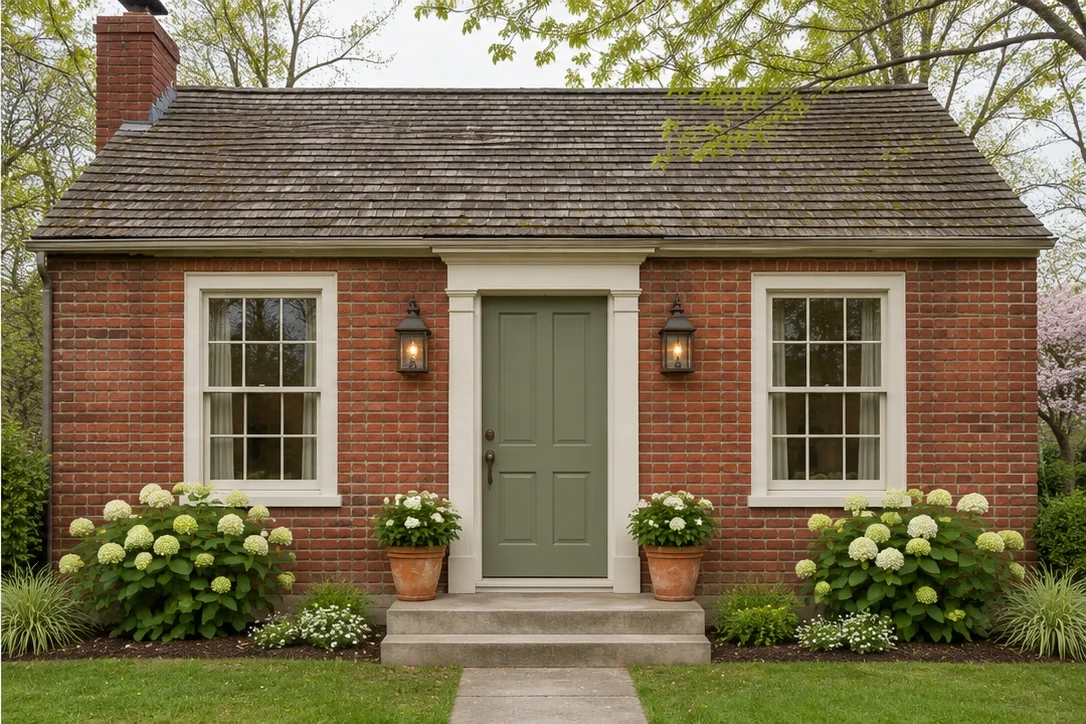
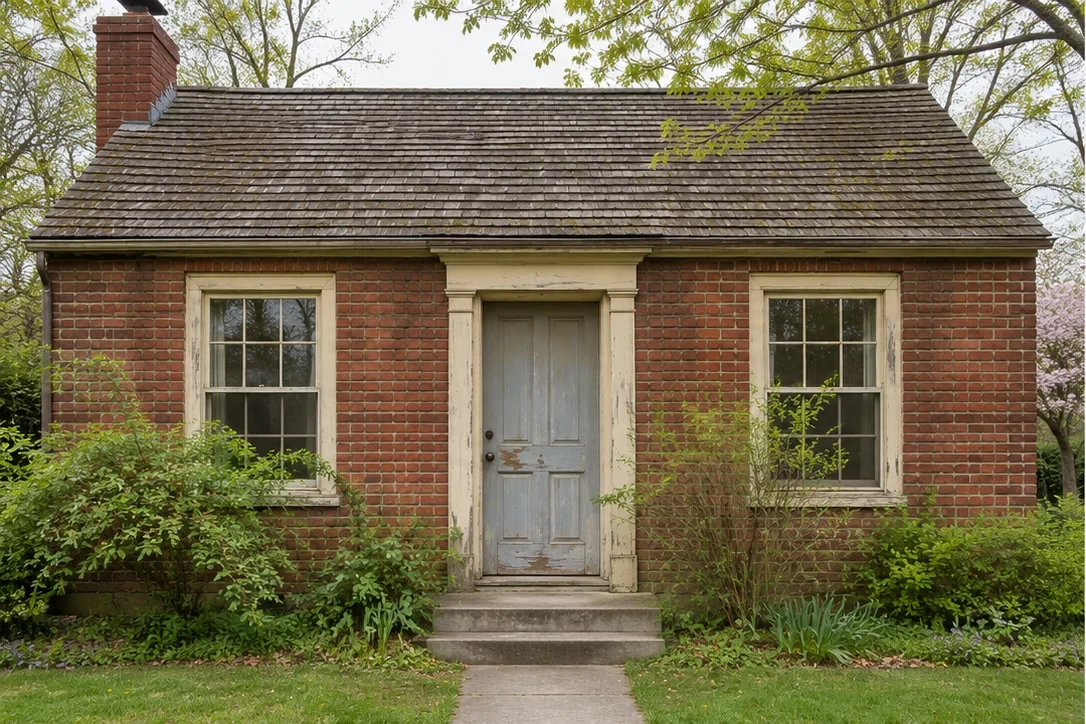
Keep the character
Consider a roof alongside the brick you intend to retain.
From your photo to a clearer direction.
Include every visible roof plane
Photograph the whole house from a position where the roof can be seen clearly.
Choose a finish to compare
Describe a shingle color or material appearance and keep the existing roof geometry.
Review the complete exterior
Check the roof beside walls and trim, then save a concept for a roofing consultation.
Keep the decisions in context.
See a large color area in context
A roof can dominate the street view; compare it with the brick and siding you plan to keep.
Keep the existing roofline
The preset asks for changes to covering appearance rather than a different house shape.
Compare contrast thoughtfully
Look at the relationship between dark frames, pale walls and the roof finish.
Take a reference to a roofer
A visual reference helps explain your taste. Confirm suitable products and technical details separately.
Questions about roof design
What to expect from your home exterior design preview.
Can I use this roof design tool to change roof pitch?
No. The preset preserves the existing roof geometry and compares visible covering finishes. Changes to pitch, framing, dormers or additions require measured design and professional assessment. A convincing AI image does not demonstrate that a change is buildable.
Which roof colors can I preview?
Describe the color in the editable instructions, such as charcoal, weathered gray or a muted brown. Compare it with your existing masonry and siding. Digital color is approximate; view real product samples before choosing roofing.
Can it show metal instead of shingles?
You can request a metal-roof appearance as a visual concept while preserving the roof shape. The preview cannot confirm that a specific system suits the pitch, structure or local requirements. Ask a roofer to evaluate an actual product.
Why do the example roofs look similar before and after?
These are whole-house palette studies that retain the original rooflines, not engineered roof replacements. They show why existing roofs matter when other exterior finishes change. Your own generation uses the roof-focused instructions shown above.
Do I need an account, and what does a design cost?
Viewing examples is free. Sign in to generate from your own photo. New accounts receive 50 credits; each design or image edit uses 10 credits. You review your photo and allow processing before generating. Failed tasks return unused reserved credits.
Can I compare, download and refine the result?
Yes. Switch between the result and your original photo, then download a design or comparison as PNG. AI results are available for 14 days; uploaded originals expire after 24 hours. For precise follow-up edits, open the design studio and upload your downloaded result as the next input.
Start with one good idea.
Useful ways to explore your home’s next look.
Home exterior design
Explore a new direction for the whole house.
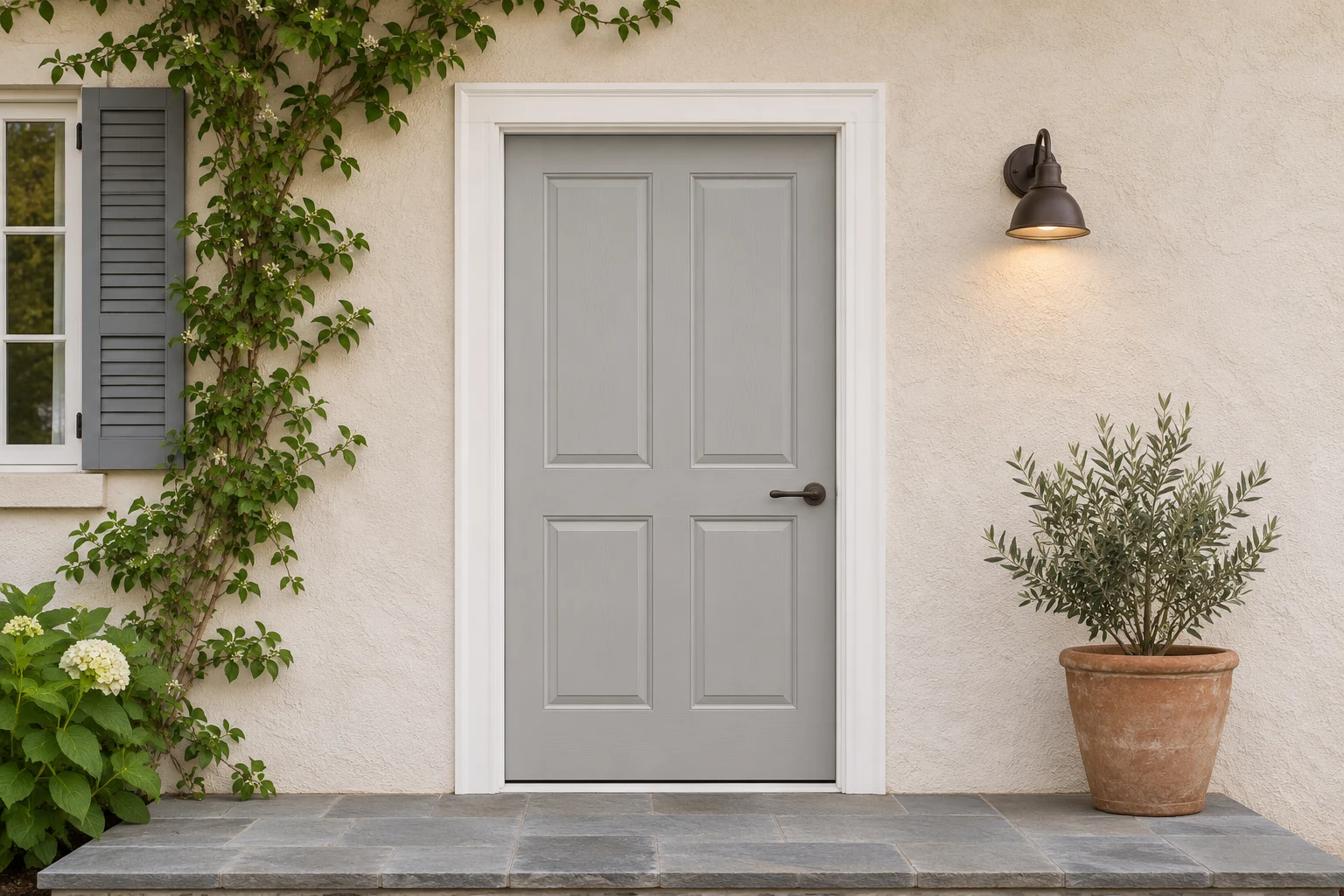
Front door colors
Try 24 colors on the entrance you already have.
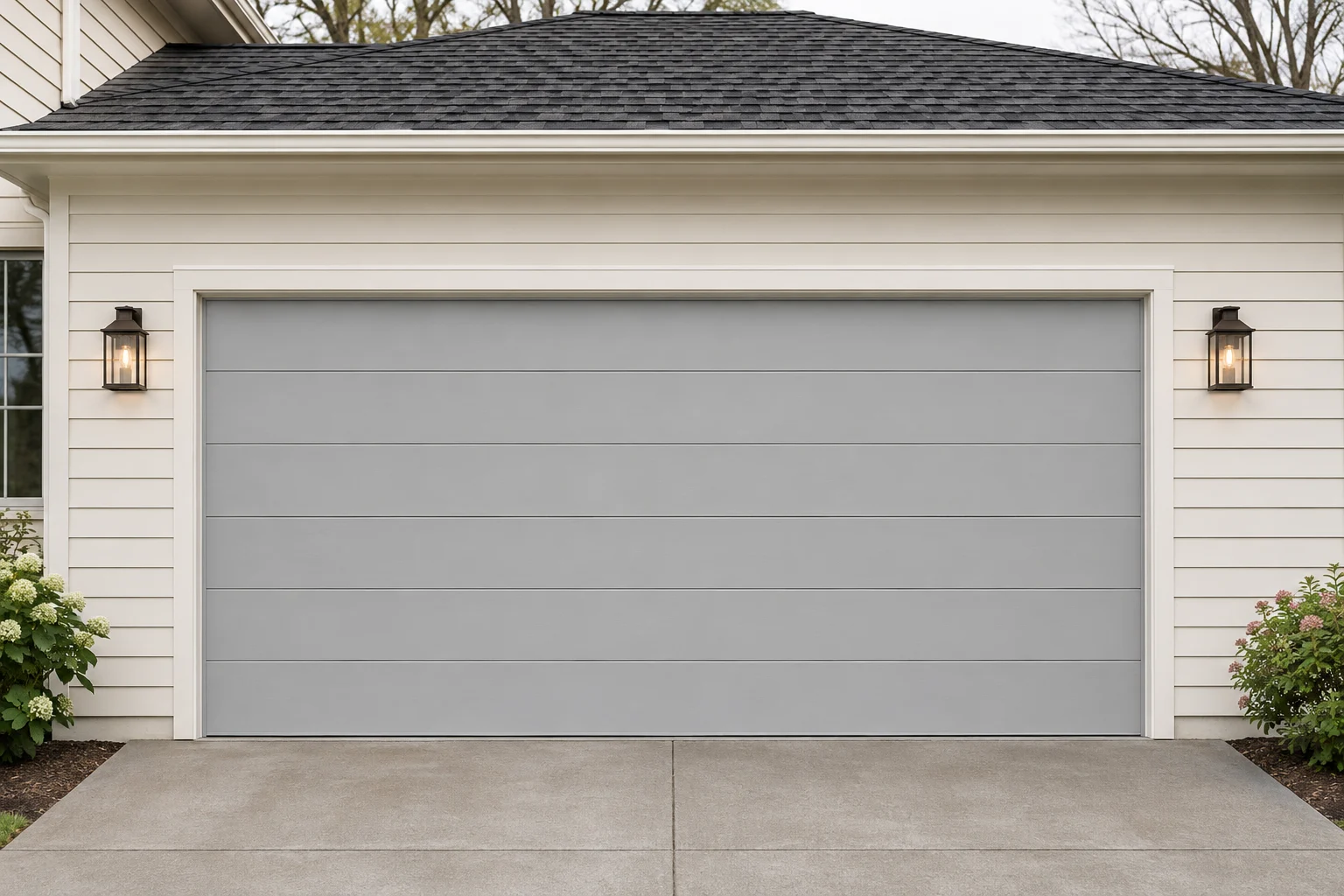
Garage door styles
Compare six panel, slat and window styles.
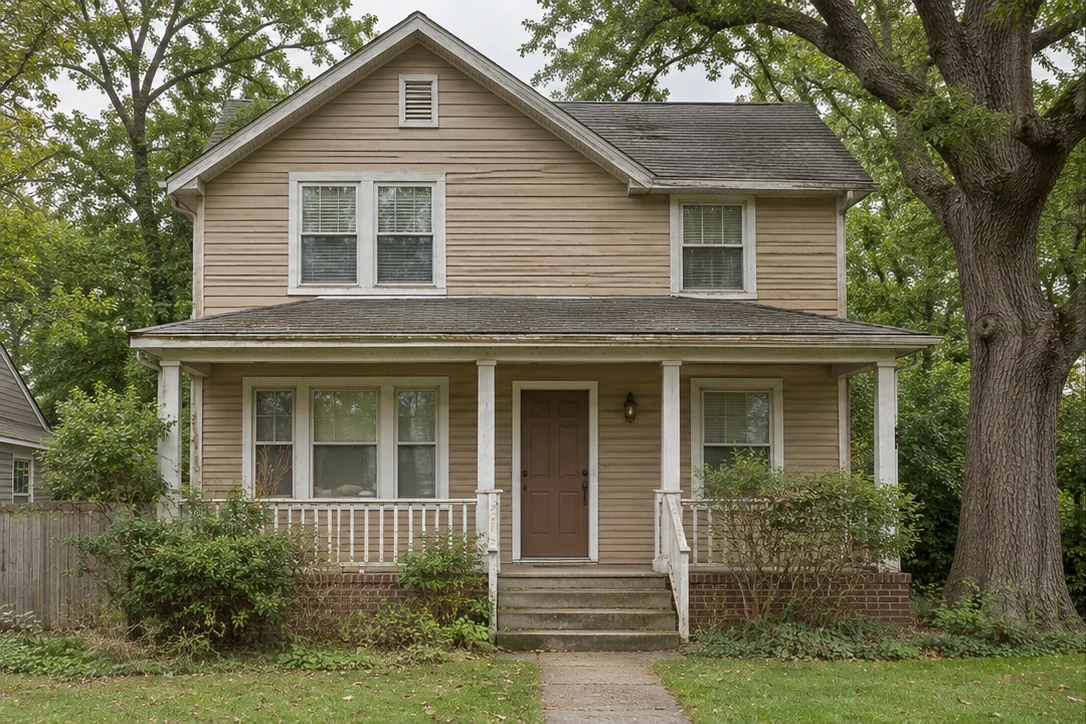
Exterior paint visualizer
Try wall colors while protecting windows and trim.
Creative studio
Generate a design, refine it and keep creating.
There’s another side to your home.
Take a look at what it could be.